The Ultimate Guide to Wireless Intercom Systems: Reliability, Tech, and Best Fits
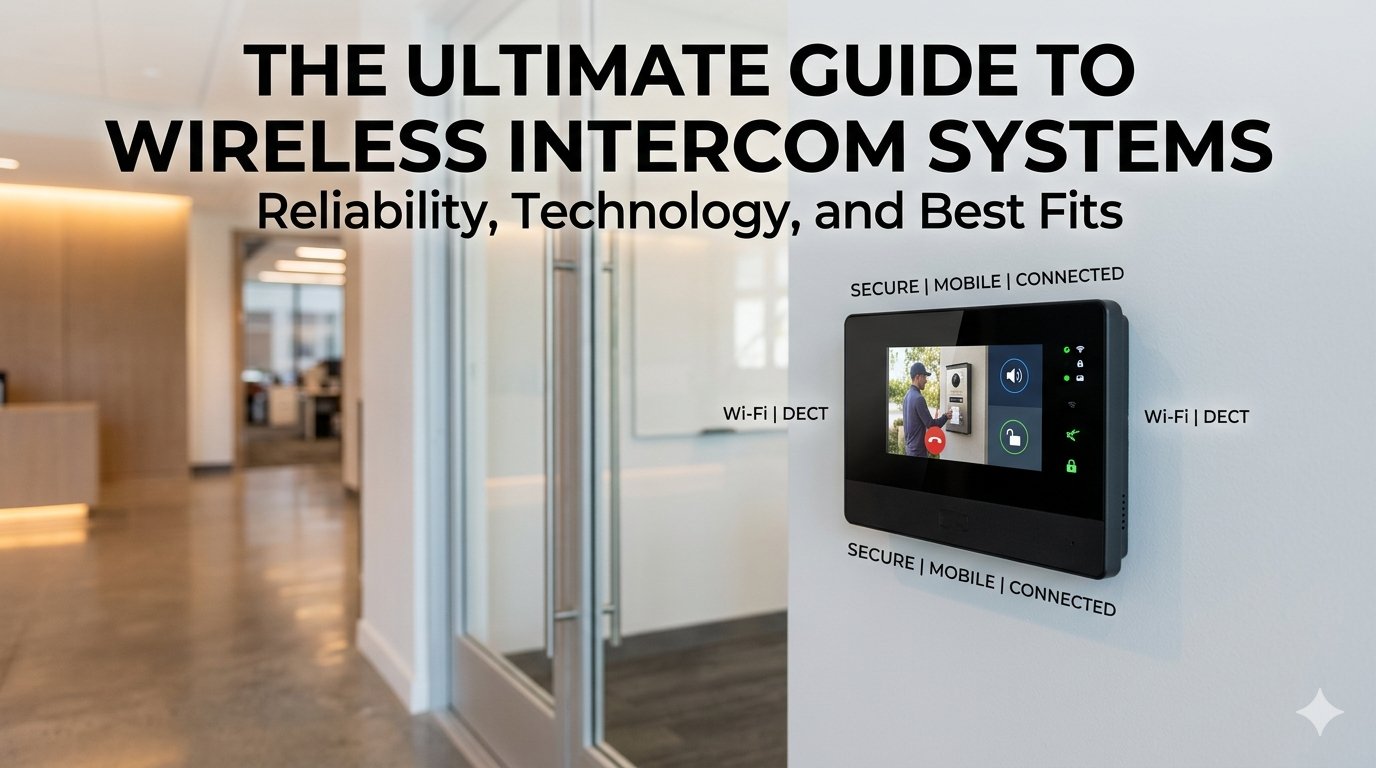
Gone are the days of tearing open drywall just to run a low-voltage communication wire. The modern wireless intercom system has evolved from a crackly baby monitor into a sophisticated piece of networking hardware. Whether you’re securing a high-rise office or just trying to announce dinner without shouting across the house, the technology has reached a point of high probability for success—provided you choose the right protocol.
What Defines a Modern Wireless Intercom System?
At its core, a wireless intercom system is a point-to-point or point-to-multipoint communication device that transmits audio (and often video) over radio frequencies (RF) or digital networks. Unlike traditional wired systems, these units prioritize mobility and ease of installation.
Key Technology Protocols
Understanding the “why” behind the tech helps in predicting how well a system will perform in your specific environment:
DECT (Digital Enhanced Cordless Telecommunications): Operating typically on the 1.9 GHz band, DECT is the gold standard for voice-only intercoms. It avoids the crowded 2.4 GHz spectrum (where Wi-Fi and microwaves live), leading to a higher probability of clear, interference-free audio.
Wi-Fi (802.11 b/g/n/ac): These systems leverage your existing internet infrastructure. They are ideal for video wireless intercom systems because they can handle high data throughput, though they are subject to “dead zones” if your router isn’t optimized.
FM/VHF/UHF: Used mostly in long-range or industrial settings. These are robust but can be prone to eavesdropping if not encrypted.
Why the Shift to Wireless? (The Logic of Utility)
The decision to go wireless isn’t just about avoiding a mess; it’s a calculation of cost-to-benefit ratio.
Zero Construction Costs: You save hundreds (or thousands) in labor and materials.
Scalability: Adding a new station is as simple as plugging in a unit and pairing it with the master.
Smart Integration: Modern systems often link to your smartphone, allowing you to answer the door or chime the warehouse from halfway across the globe.
Features to Evaluate
To ensure you are getting a system that actually works when the signal-to-noise ratio gets messy, look for these professional-grade specs:
1. Range and Signal Penetration
Most manufacturers cite “line-of-sight” range. In a real-world scenario with walls and interference, you should expect roughly 25% to 40% of the advertised range. Look for systems with Power Amplifiers (PA) if you have thick concrete walls.
2. Full-Duplex vs. Half-Duplex
Half-Duplex: Like a walkie-talkie (one person speaks at a time).
Full-Duplex: Like a telephone (both parties can speak simultaneously). For professional environments, full-duplex is non-negotiable for natural communication.
3. Frequency Hopping Spread Spectrum (FHSS)
This is a scientific approach to security and clarity. The system constantly switches frequencies within a band to avoid interference and prevent hackers from intercepting the signal.
Top Use Cases for Wireless Intercoms
Residential Security
A wireless intercom system for home use often doubles as a doorbell camera. It provides a layer of “pre-vetted” entry, allowing you to confirm a visitor’s identity before physically opening the door.
Office and Commercial
In a professional setting, efficiency is key. Wireless systems allow receptionists to communicate with back-end warehouses instantly without leaving their desks, optimizing workflow and reducing “down-time” latency.
Schools and Healthcare
In environments where seconds matter, a wireless system with an “All-Call” or “Broadcast” feature ensures that emergency announcements reach every corner of the facility without relying on fixed infrastructure that might fail during a power outage.
Installation Tips for Peak Performance
To maximize the probability of a “five-bar” signal, follow these deployment rules:
Height is your friend: Mount units at least 4–5 feet off the ground to avoid ground-plane interference.
Avoid the Microwave: Keep 2.4 GHz intercoms away from kitchen appliances and large metal mirrors, which act as RF shields.
Test Before You Drill: Use a temporary setup to test signal strength at various points in the building before final mounting.
Frequently Asked Questions (FAQ)
Q: Can neighbors hear my wireless intercom? A: If you use a modern digital system (DECT or Wi-Fi with WPA2/3 encryption), the chances are near zero. Analog FM systems, however, are not secure.
Q: Do wireless intercoms work during a power outage? A: Only if they have battery backups. Many outdoor stations use rechargeable lithium-ion batteries, while indoor stations may require a small Uninterruptible Power Supply (UPS).
Q: Will it interfere with my Wi-Fi? A: If you choose a DECT system (1.9 GHz), it will not interfere. If you choose a 2.4 GHz system, ensure your Wi-Fi is set to a non-overlapping channel (1, 6, or 11).
Final Thought
Choosing a wireless intercom system is an exercise in matching your specific environmental variables with the right frequency protocol. By prioritizing digital encryption and the appropriate spectrum, you ensure that your communication remains private, clear, and—most importantly—reliable.
Related Posts
Smart classroom solutions for schools in Guwahati
Smart Classroom Solutions for Schools in Guwahati | Eastern Networks Explore smart classroom solutions for schools in Guwahati. Eastern Networks
Commercial LED video wall display dealer in Jorhat
Commercial LED Video Wall Display Dealer in Jorhat | Eastern Networks Looking for a commercial LED video wall display dealer