Interactive Flat Panel vs Projector: The Ultimate Smart Classroom Buyer’s Guide (2026)
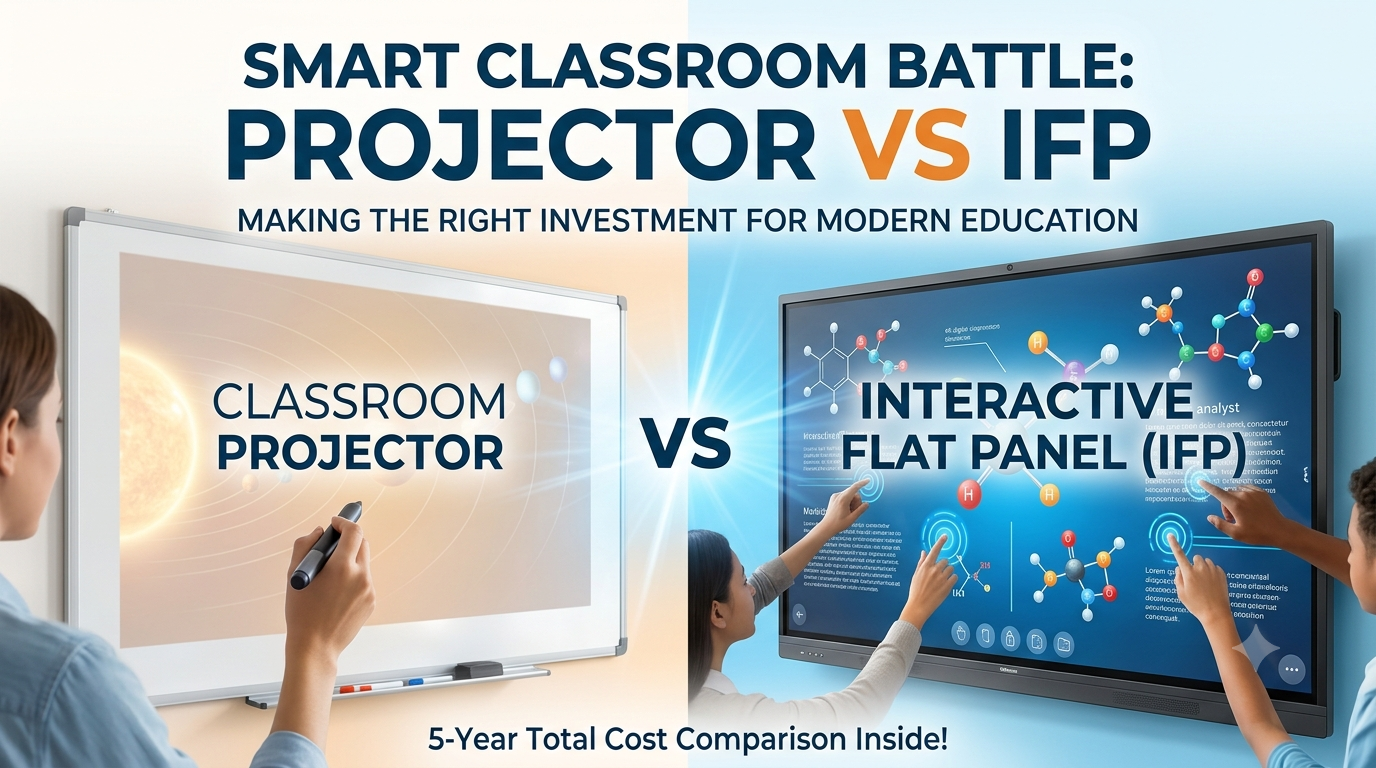
Few educational technology decisions shape daily instruction more than choosing what sits at the front of your classroom. For years, the traditional ceiling-mounted projector was the undisputed king. However, modern smart classrooms are shifting rapidly toward Interactive Flat Panels (IFPs).
If you are a school administrator, IT manager, or coaching center owner trying to decide between an interactive flat panel and a projector, you are likely weighing two very different value propositions: lower upfront hardware costs versus long-term durability and ease of use.
This guide breaks down the science, the actual costs, and the practical differences in teaching to help you make a future-proof investment.
What is the Difference? An Architectural Look
Before comparing features, it is helpful to understand how these two technologies function:
Interactive Flat Panel (IFP): A giant, commercial-grade touchscreen (similar to an oversized tablet). It has its own built-in computing power (often dual Android/Windows operating systems), powerful speakers, and direct LED backlighting.
Smart Classroom Projector: An external light source that casts an image onto a passive wall or pull-down screen. To make it interactive, it requires add-on infrared pens or camera arrays, alongside a connected laptop or computer.
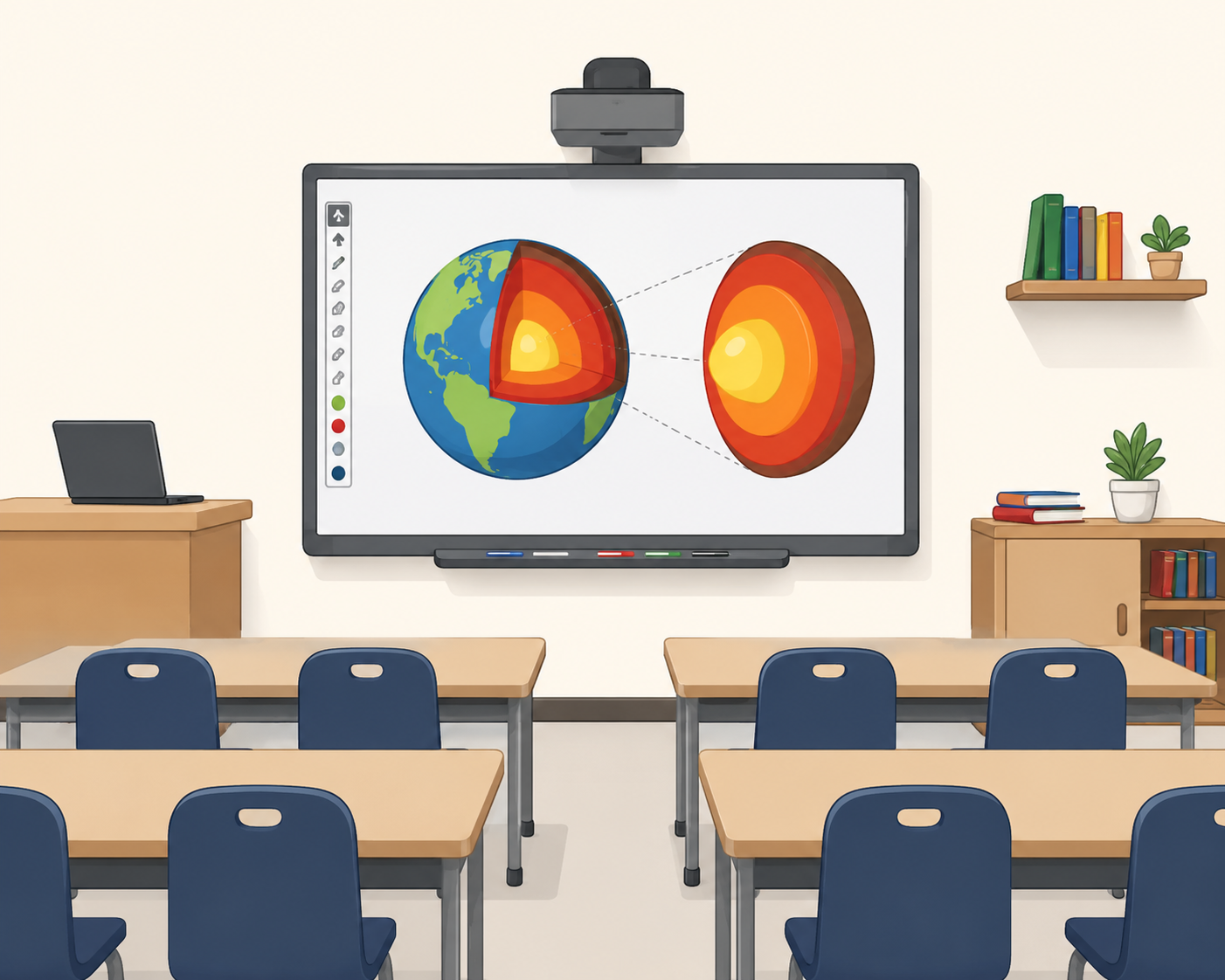
As shown in the image above, a modern IFP does not suffer from overhead glare or washed-out colors. Notice how clearly the detailed scientific models are displayed even with all the classroom lights turned on.
Detailed Head-to-Head Comparison
To see which technology truly deserves a spot in your classrooms, let us look at the five factors that matter most to educators and IT administrators.
1. Display Quality and Daylight Visibility
An image is only useful if the student sitting in the very back row can read it clearly without straining.
Projectors rely on reflected light. Even high-quality projectors struggle against daylight and bright overhead classroom lighting, often washing out the image. To get high contrast, teachers usually have to dim the lights or pull down heavy window blinds, creating a dark, less-than-ideal learning environment. Furthermore, projector bulb brightness naturally degrades over time.
Interactive Flat Panels emit light directly. Running at 4K Ultra HD resolution (3840 x 2160 pixels) and producing 350 to 500 nits of brightness, IFPs remain sharp and vibrant from every viewing angle, even in rooms bathed in sunlight. Their anti-glare, toughened glass protects student eyes and ensures maximum legibility.
2. Interactivity and Collaboration
Engaging students in the lesson requires a seamless, intuitive writing experience.
Projectors (even interactive ones) suffer from higher touch latency (the lag between your hand moving and the ink appearing). They also require frequent manual calibration—if the projector or the board is bumped even slightly, the pen registration falls out of alignment. Additionally, teacher shadows block the projected light when standing at the board, disrupting the flow of the lesson.
Interactive Flat Panels support up to 20 to 40 simultaneous touch points. Multiple students can write, erase, and drag elements at the same time using their fingers or fine-tip styluses with zero lag (touch latency under 20 milliseconds). Because there is no external light beam, there are no shadow obstructions.
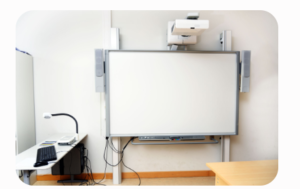
The image above illustrates a projector-based interactive whiteboard system. While short-throw lenses help mitigate some shadows, the physical setup still requires precise mounting, external speakers, and running cables up the wall, creating multiple points of hardware failure.
3. Setup and Daily Usability
Projector Setup: Using a projector typically involves boot-up warm times, turning on an external PC, aligning the input source, turning off lights, and tracking down the remote control.
IFP Setup: An IFP works like an oversized tablet. With built-in Android or Windows operating systems, teachers can boot the screen instantly, open a digital whiteboard app, run browser-based lessons, or cast their personal laptops wirelessly with one tap—no training required.
4. Lifespan and Maintenance
Projectors: Standard metal-halide lamps last between 2,000 and 5,000 hours. In a typical school using a projector 6 hours a day, bulbs must be replaced every 1 to 2 years. They also require regular dust filter cleanings. While laser projectors last longer (around 20,000 hours), they still experience gradual brightness fade over their lifespan.
Interactive Flat Panels: Solid-state LED panels have a typical lifespan rating of 50,000 hours. That translates to 15 to 20 years of daily classroom use with practically zero required maintenance besides wiping down the glass.
5-Year Total Cost of Ownership (TCO) Compared
Many buyers make the mistake of comparing only the initial shelf price. Let us look at what a standard 75-inch setup actually costs over five years.
| Cost Component | 75-Inch Projector Setup (with touch) | 75-Inch Interactive Flat Panel (IFP) |
| Initial Purchase | Lower Upfront Cost | Moderate to Higher Upfront Cost |
| Touch Hardware / Stylus | Often an add-on ($300 – $800) | Included (Multi-touch glass) |
| Lamp & Filter Replacements | 1 to 2 replacements ($200 – $500 each) | $0 (Solid-state LED backlight) |
| External Speakers & PC | Required for sound and software | Included (Built-in audio & Android OS) |
| IT Maintenance Labor | Calibration, dust cleaning, cable issues | Extremely low (Wipe clean) |
| 5-Year Total Cost | Often surpasses the IFP due to upkeep | Highly cost-effective long-term ROI |
While a projector setup may save your school budget on day one, the hidden costs of bulb degradation, external speaker installations, and continuous IT labor quickly eat up those savings by year three.
The Verdict: Which One Should You Buy?
To make your purchasing process simple, evaluate your needs using this straightforward framework:
Choose an Interactive Flat Panel if:
You are setting up standard K-12 classrooms, college lecture rooms, or coaching centers.
You want high student engagement, multi-student collaboration at the board, and rich multimedia lessons.
The classroom has windows, high ambient light, or bright overhead lights.
You want a plug-and-play setup that requires virtually zero daily technical troubleshooting or maintenance.
Choose a Projector if:
You are equipping a massive auditorium, gymnasium, or oversized lecture hall that requires a screen size larger than 110 inches.
The space is only used occasionally (e.g., a meeting room used a couple of times a month), making a large upfront flat-panel investment hard to justify.
You are in a temporary or leased space with strict mounting restrictions where a mobile or heavy wall-mounted IFP cannot be installed.
Frequently Asked Questions
Are interactive flat panels more expensive than projectors?
Initially, yes. The upfront sticker price of an interactive flat panel is higher than a budget projector. However, when you factor in the cost of replacement lamps, external audio equipment, mounting accessories, and ongoing IT calibration, the 5-year total cost of ownership for a projector is often much higher.
Do interactive flat panels require an external computer?
No. Most modern interactive flat panels come with built-in Android operating systems, web browsers, and whiteboard applications natively installed. Many also support slot-in Open Pluggable Specification (OPS) PC modules to run full Windows environments directly from the board without any messy external wiring.
What is the average lifespan of an interactive flat panel?
An interactive flat panel is highly durable, utilizing commercial-grade LED screens rated for 50,000+ hours of run-time. For standard school usage, this translates to roughly 15 to 20 years of continuous daily operation.
Related Posts
IP CCTV camera vs Analog CCTV for commercial security
IP CCTV Camera vs Analog CCTV: The Definitive Commercial Security Guide When protecting a commercial asset, your surveillance system is
Video LED wall
The Ultimate Guide to Video LED Walls: Specs, Costs, and Buying Strategies If you walk into a modern corporate lobby,