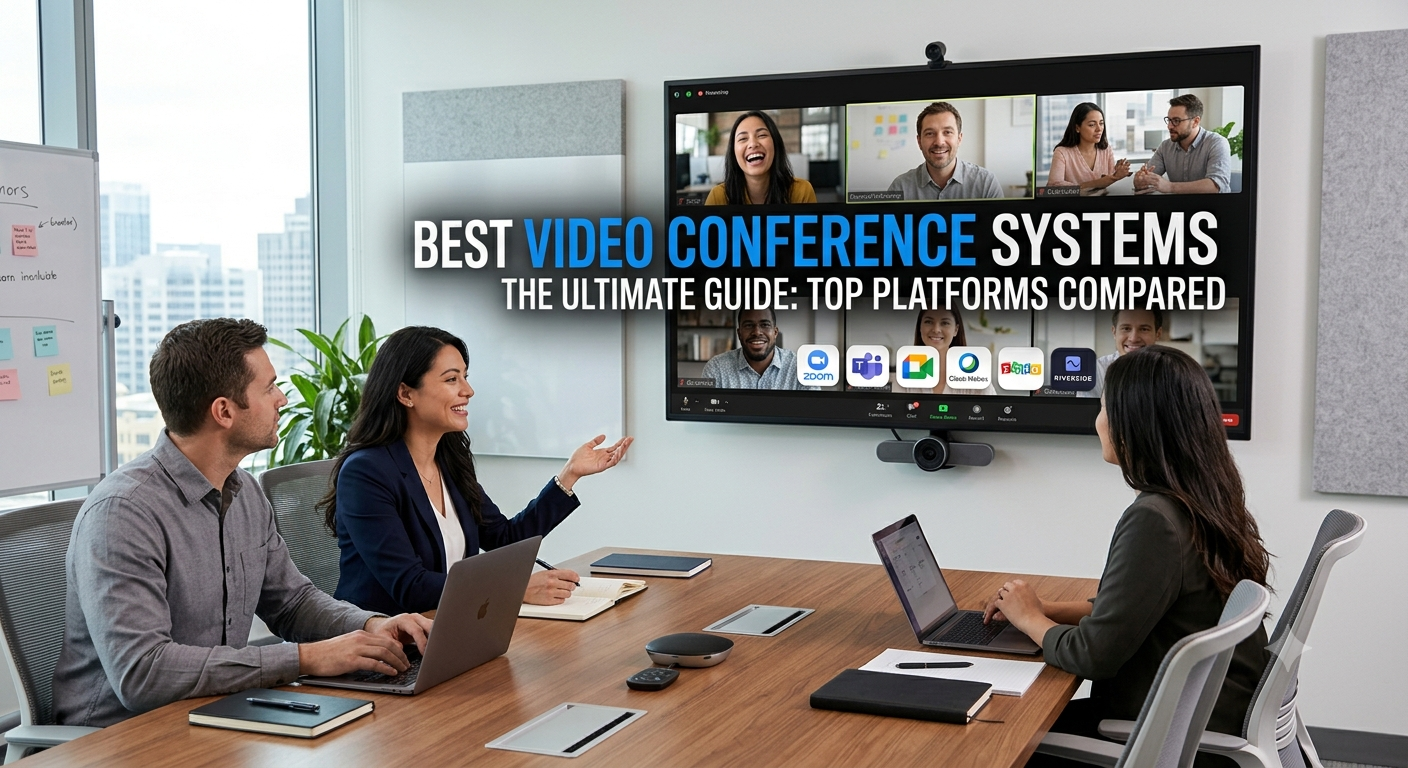
Best Video Conference Systems: Top Platforms Compared
Choosing the right video conferencing system is no longer just about finding a stable video feed. Modern teams require ecosystems driven by automated AI note-taking, seamless hardware integration for hybrid conference rooms, and robust end-to-end security layers.
Finding the best video conference system requires looking past basic video quality to evaluate how well a platform aligns with your existing workplace tech stack. Whether you run a nimble remote startup or manage global IT infrastructure for an enterprise, this guide cuts through the marketing noise to rank the top solutions available today.
At a Glance: The best video conference system
If you are in a rush, this breakdown highlights where each major platform excels, its baseline pricing, and key capabilities.
| Platform | Best For | Standout Feature | Starting Price |
| Zoom Workplace | All-Around Reliability | Zoom AI Companion summaries | Free (Paid from ₹1,376/mo) |
| Google Meet | Browser-First Simplicity | Zero-install guest access | Included in Workspace (From ₹99/mo) |
| Microsoft Teams | M365 Ecosystems | Co-authoring files within calls | Paid from ₹115/mo |
| Cisco Webex | Enterprise & Security | Network-layer encryption & compliance | Free (Paid from ~₹1,200/mo) |
| Zoho Meeting | Budget-Conscious SMBs | Deep project management syncing | Paid from ₹99/mo |
| Riverside | Studio-Quality Recording | Local multi-track audio/video isolation | Paid from ~₹2,000/mo |
1. Zoom Workplace — Best Overall Video Conference System
Zoom remains the gold standard for standalone video conferencing because it performs reliably even under constrained internet bandwidth. Instead of dropping calls, its architecture dynamically scales down visual fidelity to keep the audio stream intact.
Pros: Exceptional reliability on weak connections; best-in-class virtual whiteboarding tools; massive marketplace for third-party application integrations.
Cons: Paid tiers can become expensive when scaling across large organizations.
AI Integration: The built-in Zoom AI Companion handles meeting summaries, automated transcriptions, and next-action task extraction without requiring an expensive add-on license.
2. Google Meet — Best for Frictionless User Experience
If your organization is already anchored inside Google Workspace, Google Meet is your most logical choice. It requires entirely zero local installation for desktop users; guests simply click a link inside Google Calendar and launch the meeting instantly inside a standard web browser. If your priority is zero-install deployment, this is easily the best video conference system for friction-free client calls.
Pros: Unmatched ease of use for external clients; native integration with Google Docs, Drive, and Gmail; incredibly accurate live captioning models.
Cons: Lacks some of the complex webinar administrative controls found in enterprise platforms.
3. Microsoft Teams — Best for Corporate Collaboration
Microsoft Teams has evolved from a simple video tool into a comprehensive digital workplace hub. For organizations entirely anchored in the Microsoft 365 ecosystem, Teams operates as the best video conference system for internal collaboration, allowing real-time file co-editing right inside the live video frame.
Pros: Native deep integration with the entire Microsoft 365 architecture; highly secure file storage infrastructure.
Cons: The interface can feel heavy and cluttered for users who only want simple video calling.
4. Cisco Webex — Best for Large Scale & Regulated Industries
Cisco Webex is the heavy hitter for enterprises, financial institutions, and healthcare providers requiring strict data sovereignty. It offers hybrid deployment models—allowing companies to run traffic through their own secure internal networks.
Pros: FedRAMP authorized; military-grade security compliance; pristine integration with professional conference room hardware terminal systems.
Cons: Overkill for small teams; requires technical IT resources to configure and manage efficiently.
Key Advantage: Industry-leading AI noise removal that digitally eliminates non-human background sounds (like keyboards or sirens) mid-stream.
5. Zoho Meeting — Best Low-Cost Alternative
For startups and small businesses looking to escape expensive monthly SaaS bills, Zoho Meeting offers a robust feature set—including screen sharing, document whiteboards, and security settings—for a fraction of competitor pricing.
Pros: Incredibly low baseline pricing starting at one dollar per month; explicit GDPR and privacy compliance features built in.
Cons: Smaller ecosystem of third-party integrations outside the native Zoho application suite.
6. Riverside — Best for Content Creators & High-Fi Production
Riverside handles video conferencing differently. Instead of recording streaming footage over the web (which is subject to dropouts and pixelation), Riverside records uncompressed, studio-grade audio and video locally on each participant’s hard drive, uploading it smoothly in the background.
Pros: Pristine 4K video quality and isolated audio tracks for each participant; ideal for marketing teams, podcasts, and video keynotes.
Cons: Highly specialized for recording; lacks corporate enterprise team-chat channels.
Buying Guide: How to Select Your System
To pinpoint the best video conference system for your unique operational needs, measure your contenders against these three core pillars:
Ecosystem Alignment: Do you use Google Workspace or Microsoft 365? Selecting the native video component saves significant budget and eliminates software friction.
Hardware vs. Software: If you have physical offices, look at hardware partnerships. Zoom and Webex integrate seamlessly with physical smart room hardware (like Neat or Cisco bars) to support hybrid equity—ensuring remote workers can see and hear the physical room clearly via multi-camera tracking.
Asynchronous Compatibility: Modern meeting cultures are shifting. Platforms that offer easy asynchronous video snippets or reliable, AI-generated post-meeting summaries reduce the total number of real-time meetings your staff needs to attend.
Related Posts
Smart classroom solutions for schools in Guwahati
Smart Classroom Solutions for Schools in Guwahati | Eastern Networks Explore smart classroom solutions for schools in Guwahati. Eastern Networks
Commercial LED video wall display dealer in Jorhat
Commercial LED Video Wall Display Dealer in Jorhat | Eastern Networks Looking for a commercial LED video wall display dealer